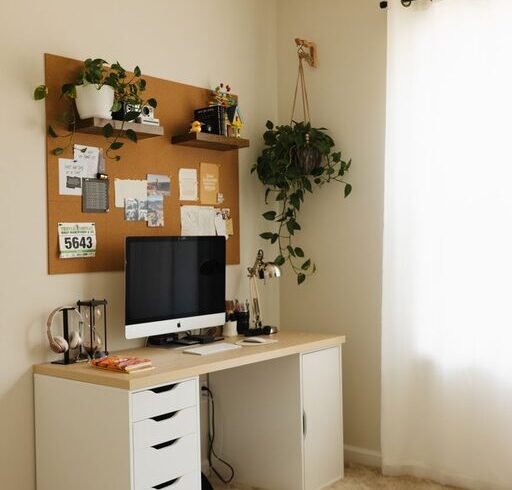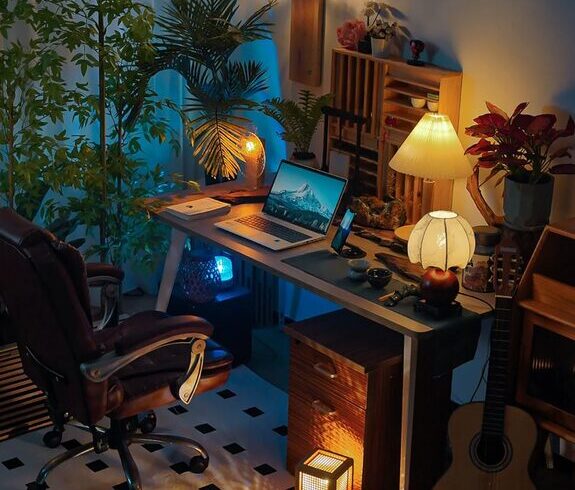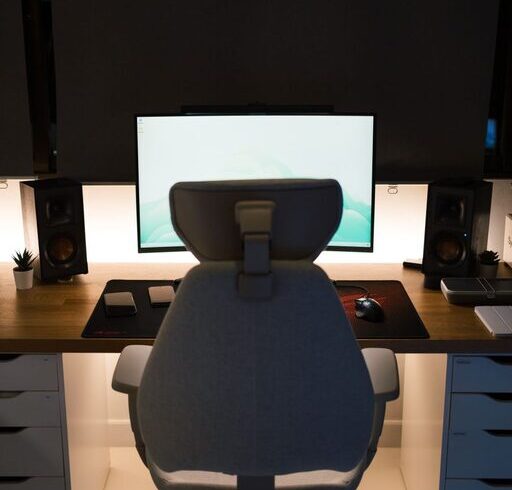
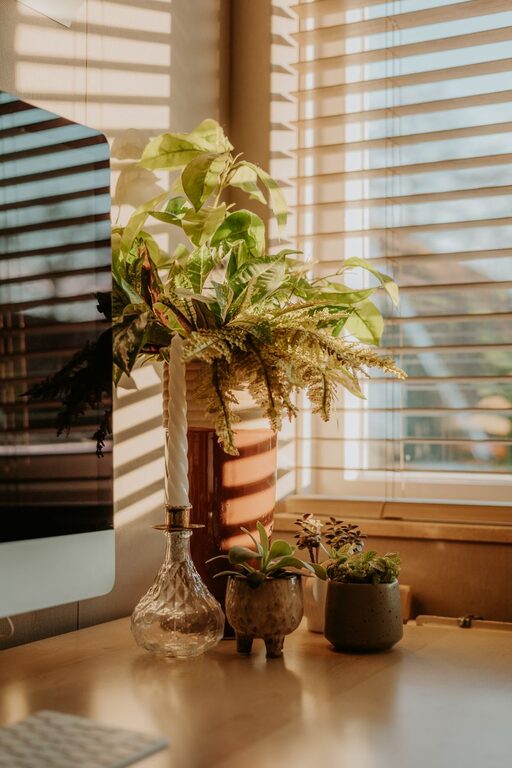
Creating a home office that feels both cozy and productive can be a game-changer for your work-from-home routine. Whether you’re freelancing, managing a remote team, or just need a quiet space to focus, having a dedicated area designed with comfort and efficiency in mind can improve your mood and output. Here’s a detailed guide with tips to help you build the perfect home office that supports productivity and invites you to enjoy your time working.
Assess Your Space and Needs
Before you start decorating or buying furniture, take a moment to evaluate your available space. Do you have a spare room, a quiet corner in the living room, or a section of your bedroom that can function as your home office? Understanding your space limitations will help you make better decisions.
Also, think about how you work. Do you need a large desk for multiple monitors? Would you prefer standing or sitting? Are natural light and fresh air important to you? Answering these questions will give you a clear foundation for tailoring your space.
Choose the Right Location
Location plays a big role in making your office comfortable and productive.
– Quiet and low-traffic areas: Pick a spot where household noise and distractions are minimal.
– Natural light source: Position your desk near windows if possible. Natural light helps keep your energy up and reduces eye strain.
– Ventilation: Fresh air keeps you alert and comfortable during long work sessions.
If your space feels cramped or noisy, portable partitions or noise-cancelling headphones can help.
Invest in Comfortable and Functional Furniture
Your furniture directly affects your comfort and posture, which in turn impacts productivity.
– Ergonomic chair: Choose a chair with good lumbar support, adjustable height, and comfortable cushioning.
– Desk size: Select a desk that fits your equipment and allows you to work without feeling cramped. Consider adjustable desks for the option to stand and sit.
– Storage solutions: Use shelves, filing cabinets, or organizers to keep clutter off your workspace.
Remember, comfort doesn’t mean sacrificing style. There are many furniture options that combine ergonomics and aesthetics beautifully.
Optimize Lighting
Proper lighting reduces eye strain and makes your workspace inviting.
– Natural light: Maximize daylight but use curtains or blinds to prevent glare.
– Task lighting: Desk lamps with adjustable brightness can help focus light where you need it most.
– Ambient lighting: Soft overhead lights or floor lamps balance the overall room light and reduce harsh contrasts.
Choose light bulbs that mimic daylight (around 5000K) for the most natural feel.
Organize with Smart Storage and Declutter Regularly
A tidy workspace can help you concentrate and feel less stressed.
– Declutter regularly: Spend a few minutes at the end of each day clearing your desk.
– Storage bins and trays: Use these to separate papers, office supplies, and personal items.
– Cable management: Keep wires neat with clips or cable sleeves to avoid messy tangles.
Digital organization is just as important—maintain a clean computer desktop and organized files.
Personalize Your Space Thoughtfully
Adding personal touches can make your office feel cozy without distracting you.
– Plants: Small indoor plants or succulents improve air quality and add a touch of nature.
– Artwork or photos: Choose calming or inspiring images that lift your mood.
– Cozy textiles: A soft rug or cushion can enhance comfort and warmth.
Be mindful not to overdecorate, which might clutter your mind as well as your desk.
Establish a Dedicated Work Routine
The environment supports productivity, but routines help you make the most of it.
– Set working hours: Define when you start and finish work to create boundaries.
– Take regular breaks: Stand up, stretch, or step outside briefly to refresh your focus.
– Use digital tools: Calendars, task lists, and focus timers keep you on track.
Having a specific area for work helps you mentally switch to “work mode” during these hours.
Minimize Distractions
To keep productivity high, limit interruptions as much as possible.
– Turn off non-essential notifications: Silence social media, emails, or phone alerts when focusing.
– Create “do not disturb” signals: A small sign or closed door can alert family members when you’re busy.
– Use headphones or white noise: These can mask background sounds and help you concentrate.
You can experiment with various strategies to see what works best for you.
Keep Technology in Check
Efficient technology supports smooth workdays.
– Reliable internet: Ensure a strong Wi-Fi connection or use wired Ethernet for stability.
– Quality peripherals: Invest in a good keyboard, mouse, and monitor to avoid discomfort.
– Backup power: Consider an uninterruptible power supply (UPS) to protect against outages.
Regular updates and security measures also keep your digital workspace safe and effective.
Final Thoughts
Designing a cozy and productive home office is about balancing comfort, functionality, and personal style. By carefully selecting your location, furniture, lighting, and organization systems, you lay a strong foundation for effective workdays. Remember to personalize the space in ways that motivate and relax you, and establish routines to take full advantage of your setup.
With some planning and thoughtful choices, your home office can become a favorite room—where productivity and coziness go hand in hand. Happy decorating!